
Why Instagram's Built-In Limits Don't Work
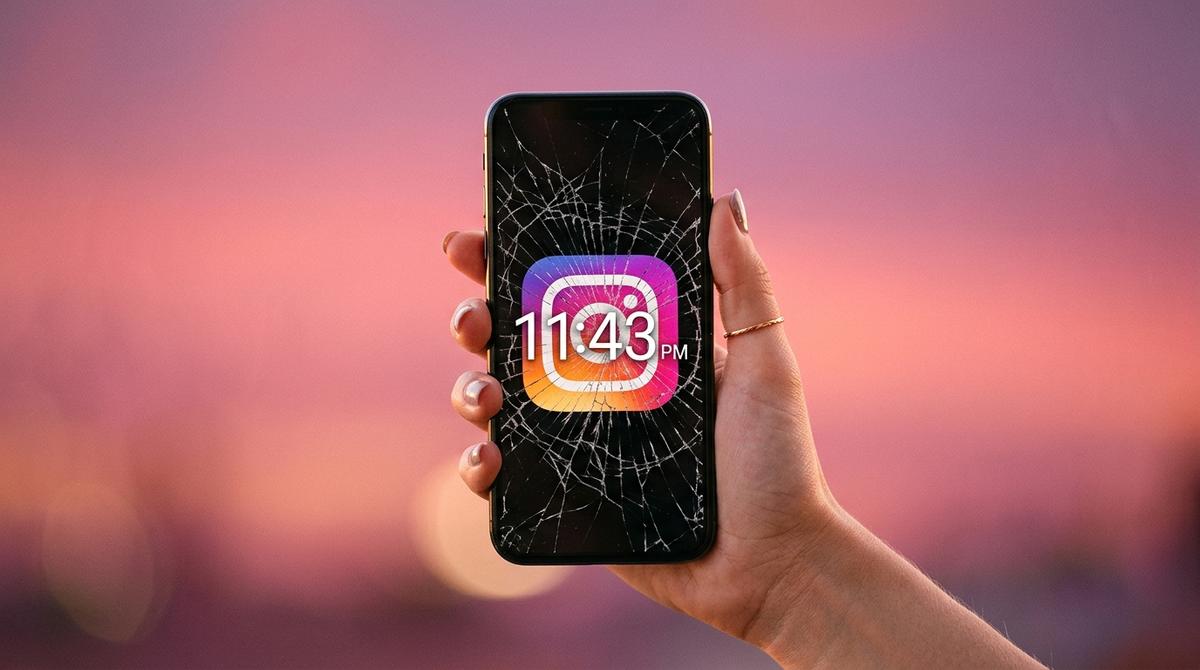
Instagram's native Daily Reminder feature sends you a notification when you hit your self-set limit. Then you tap 'Remind Me in 15 Minutes' and keep scrolling. The problem is that you are using Instagram's own tools to limit Instagram — and Instagram's entire business model is the opposite of your goal. The reminder is designed to feel easily dismissable, because making it easy to dismiss results in more time on app. Do not expect the casino to make it easy to leave.
Understanding Why Instagram Is So Hard to Put Down
Instagram uses several interlocking psychological mechanisms to maximise session length. The infinite scroll removes natural stopping points. Variable-reward content (you never know if the next post will be amazing or boring) triggers continuous dopamine anticipation. The Stories format creates artificial FOMO — content disappears in 24 hours, creating urgency. Likes and comments provide intermittent social validation, a powerful behavioural reinforcer. Knowing these mechanisms is the first step to dismantling them.
- Instagram users open the app an average of 11 times per day.
- The average Instagram session lasts 17 minutes — but feels like 3 minutes.
- 42% of Instagram scrolling sessions are described by users as 'automatic' — they do not remember deciding to open the app.
Three Structural Changes That Reduce Instagram Time
These are changes to your environment, not to your willpower. First, remove Instagram from your home screen and move it to a secondary screen or folder — the friction of finding the app reduces automatic opens by up to 40%. Second, turn off all Instagram notifications except Direct Messages — the app should only be a destination, not an interrupt. Third, set a specific time for Instagram (after lunch, after dinner) rather than using it throughout the day — intentional use is shorter use.
Adding Mindful Friction With Pause
Structural changes reduce frequency. Mindful friction changes depth. Pause adds a 60-second breathing exercise every time you open Instagram. This single intervention has two effects: it catches automatic, unintentional opens (you may close the app after the breathing if you realise you did not actually want to use it), and it shortens sessions by resetting your emotional state from compulsive to conscious before you enter the feed.
Take Back Your Instagram Time Starting Now
Download Pause for free on iOS and Android. Add Instagram as a monitored app. In the first week, notice how often you open Instagram automatically — without a specific reason. That number is your starting point. Most Pause users reduce their Instagram session count by 40-60% in the first two weeks, without deleting the app or white-knuckling through cravings.